This page will help you open your examination documents.
Finding Your Documents
It may take 30 seconds to receive a notification from Teams containing a link.
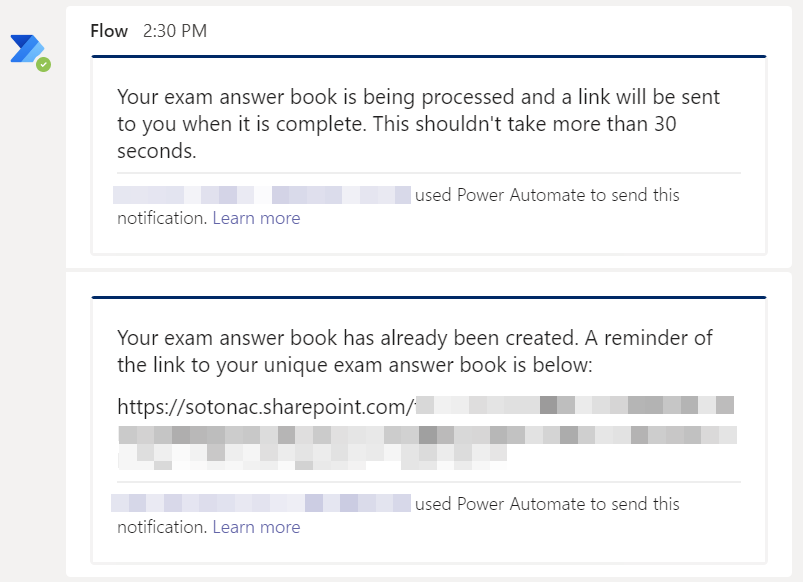
Copy the link (select it, right-click, copy) and paste it into a browser. All the documents required for the exam should be visible.
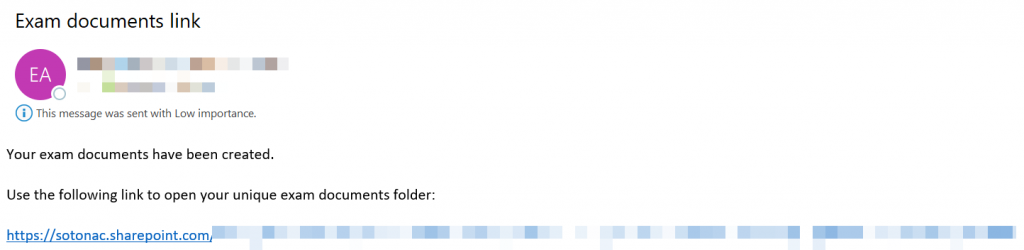
A copy of this link will also be sent to your email
Using Word Answer Books
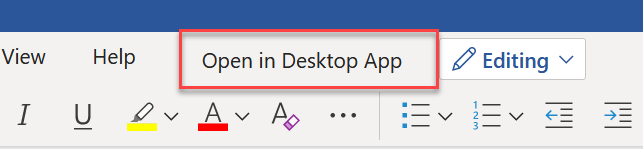
If one of the files contains your Answer Book, you should click to open it in Word Online, then click “Open in Desktop App” to open Word.